For Creator Networks
Bring your creators together.
Bring your Creator Network into Battle. Invite creators, review requests to join, and organize tournaments for your network.
Getting started
From application to your first event.
Sign up and apply
Create an account in the app, then submit your Creator Network’s name and details for review. Network access begins after approval.
Bring in your creators
Manage invitations and requests in one place. Creators accept an invitation or have their request approved to join.
Make the plans
Create a tournament for your network and choose who can enter. Keep the matchups and event details together in Battle.
Running tournaments
Stay involved through the final round.
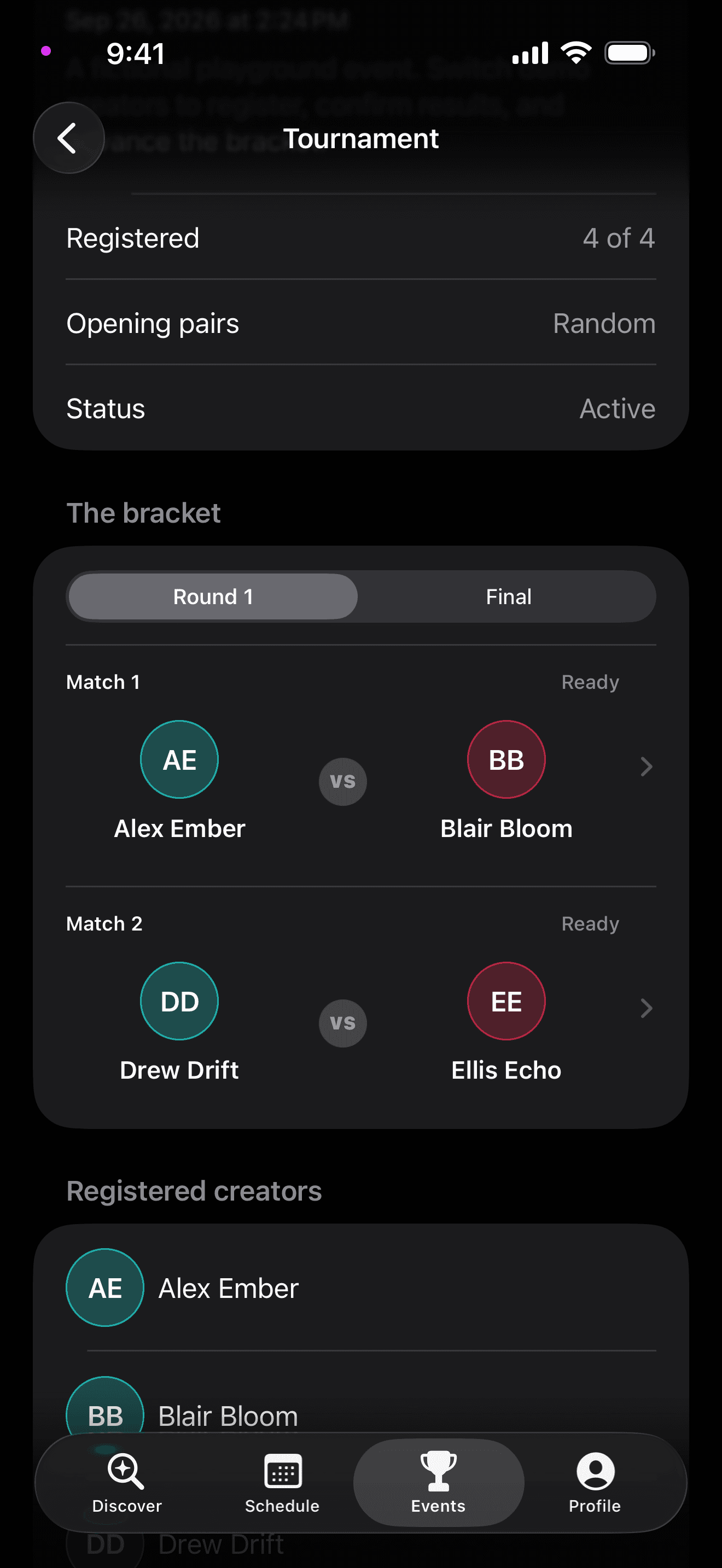
Set up the event in Battle, follow the bracket, and give creators a clear way to report their results. The LIVE battles take place on TikTok.
- Choose who takes part
- Open registration to everyone or limit entry to selected creators or Creator Networks.
- Set up the bracket
- Choose the number of rounds and how opponents are assigned, then publish the bracket when registration is complete.
- Review the results
- Creators submit and confirm tournament match results. If a result is disputed, the tournament organizer reviews it and records a decision.
Bring your network to Battle.
Get in touch with questions about joining or setting up your Creator Network.
Ask about joining